Amin Mohammad, the IBM Planning Analytics Practice Lead at Octane Solutions, is taking you through his top 12 capabilities of Planning Analytics, in 2023. These are his personal favorites and there could be more than what he is covering.

He has decided to divide his list into PAFe and PAW, as they have their own unique capabilities, and to highlight them separately.
Planning Analytics for Excel (PAfE)
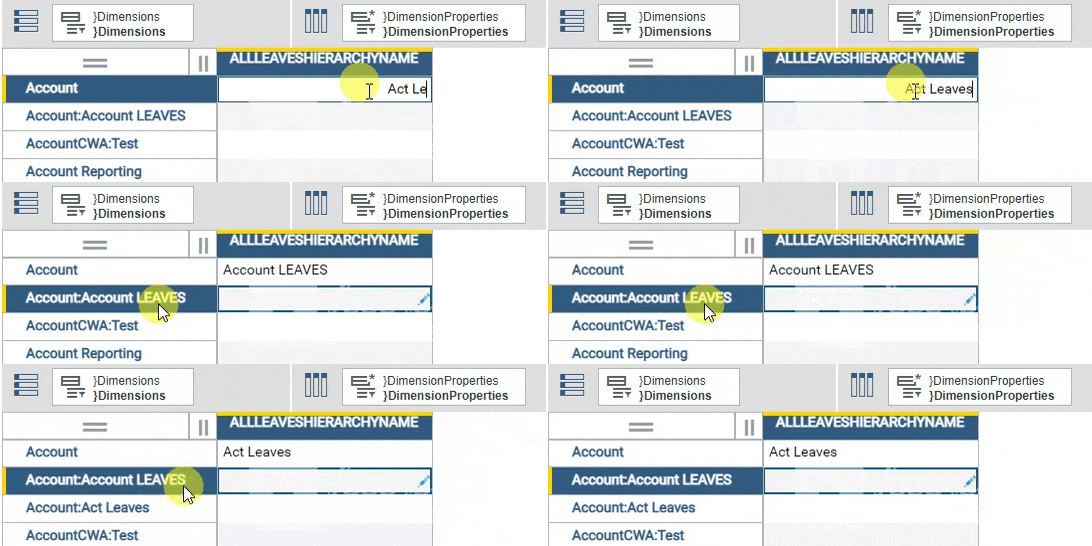
1. Support for alternate hierarchies in TM1 Web and PAfE
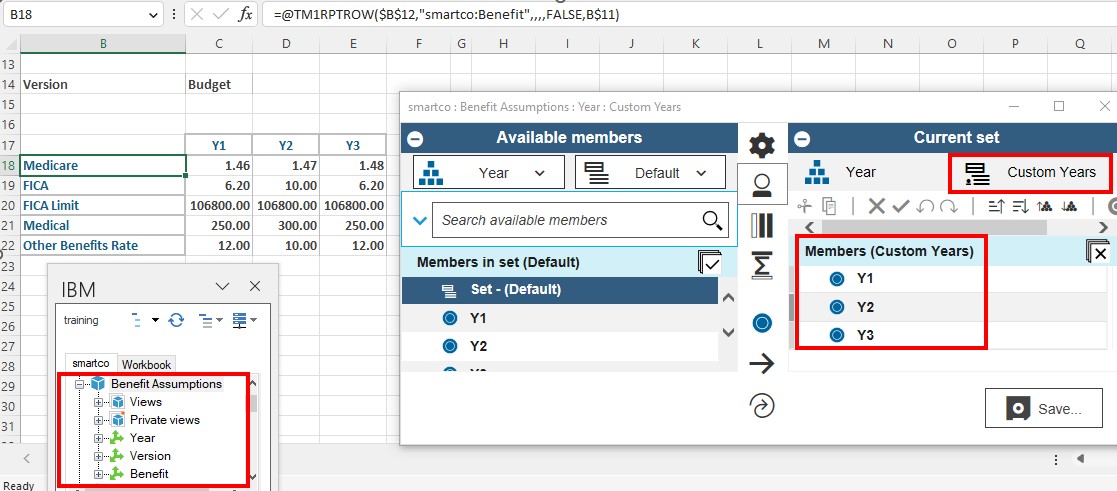
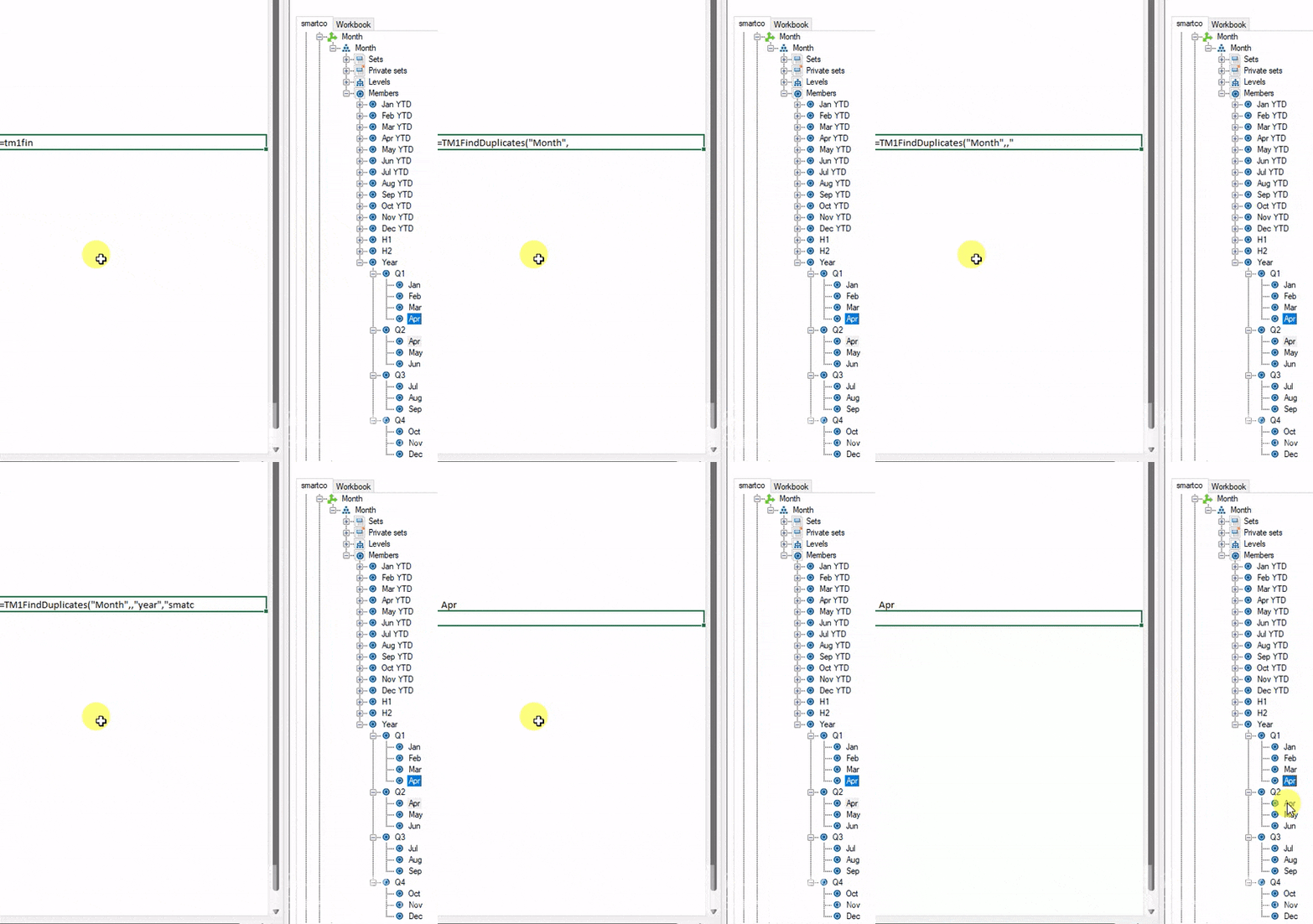
Starting with TM1 Set function, which has finally opened the option to use alternate hierarchies in TM1 web. it contains nine arguments as opposed to the four in SubNM adding to its flexibility. It also supports MDX expressions as one of the arguments. This function can be used as a good replacement for SubNM.
2. Updated look for cube viewer and set editor
The Planning Analytics Workspace and Cognos Analytics have taken the extra step to provide a consistent user experience. This includes the incorporation of the Carbon Design Principles, which have been implemented in the Set Editor and cube viewer n PaFe. This allows users to enjoy an enhanced look and feel of certain components within the software, as well as improved capabilities. This is an excellent addition that makes the most out of the user experience.
3. Creating User Define Calculations (UDC)
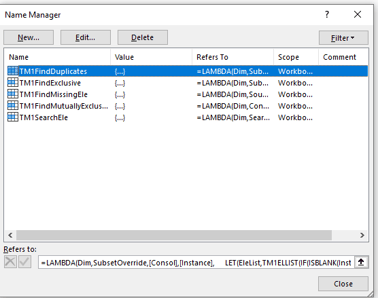
Hands down, the User Defined Calculations is by far the most impressive capability added recently. This capability allows you to create custom calculations using the Define calc function in PAFe, which also works in TM1 Web. With this, you can easily perform various calculations such as consolidating data based on a few selected elements, performing arithmetic calculations on your data, etc. Before this capability, we had to create custom consolidation elements in the dimension itself to achieve these results in PAfE, leading to multiple consolidated elements within the dimension, making it very convoluted. Tthe only downside is that it can be a bit technical for some users who use this, making it a barrier to mass adoption. Additionally, the sCalcMun argument within this function is case-sensitive, so bear that in mind. Hoping this issue is fixed in future releases.
4. Version Control utility
The Version Control utility helps to validate whether the version of Pathway you are using is compatible with the data source version of Planning Analytics Logo. If the two versions are not compatible, you cannot use Pathway until you update the software. The Version Control uses three capability or compatibility types to highlight the status of the compatibility:
Administrators can also configure the Version Control to download a specific version of Pathway when the update button is clicked, helping to ensure the right version of Pathway is used across your organization.
Planning Analytics Workspace (PAW)
5. Single Cell widget
Planning Analytics Workspace has recently added the Single Cell widget as a visualization, making it easier to update dimension filters. Before this, the Single Cell widget could be added by right-clicking a particular data point, but it had its limitations.
One limitation that has been addressed is the inability to update dimension filters in the canvas once the widget has been added. In order to update it, one has to redo all steps, but the single widget visualization has changed this. Now, users can change the filters and the widget will update the data accordingly. This has been a great improvement as far as enhancing user experience goes.
Additionally, the widget can be transformed into any other visualization and vice versa. When adding the widget, the data point that was selected at that point is reflected in it. If nothing is selected, the top left of the first data point in the view is used to create the widget.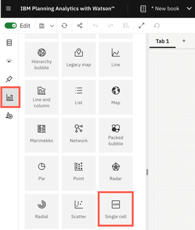
6. Sending email notifications to Contributors
You can now easily send email notifications to contributors with the click of a button from the Contribution Panel of the Overview Report. When you click the button, it sends out an email to the members of the group that has been assigned the task. The email option is only activated when the status is either pending approval or pending submission. Clicking the icon will send the email to all the members assigned to the group for the task.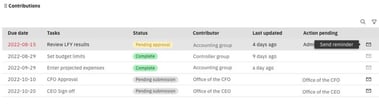
7. Add task dependencies
Now, you can add task dependencies to plans, which allows you to control the order in which tasks can be completed. For example, if there are two tasks and Task Two is dependent on Task One, Task Two cannot be opened until Task One is completed. This feature forces users to do the right thing by opening the relevant task and prevents other tasks from being opened until the prerequisite task is completed. This way, users are forced to follow the workflow and proceed in the right order.
8. Approval and Rejections in Plans with email notifications
The email notifications meintioned here are not manually triggered like the ones in the 6th top picks. These emails are fully automated and event-based. The events that trigger these emails could be opening a plan step, submitting a step, or approving or rejecting a step. The emails that are sent out will have a link taking the user directly to the plan step in question, making the planning process easier for the users to follow.

"The worklow capabilities of the Planning Analytics Workspace have seen immense improvements over time. It initially served as a framework to establish workflows, however, now it has become a fully matured workflow component with many added capabilities. This allows for a more robust and comprehensive environment for users, making it easier to complete tasks."
9. URL to access the PAW folder
PAW (Planning Analytics Workspace) now offers the capability to share links to a folder within the workspace. This applies to all folders, including the Personal, Favorites, and Recent tabs. This is great because it makes it easier for users to share information, and also makes the navigation process simpler. All around, this is a good addition and definitely makes life easier for the users.
10. Email books or views
The administrator can now configure the system to send emails containing books or views from Planning Analytics Workspace. Previously, the only way to share books or views was to export them into certain formats. However, by enabling the email functionality, users are now able to send books or views through email. Once configured, an 'email' tab will become available when viewing a book, allowing users to quickly and easily share their content. This option was not previously available.
11. Upload files to PA database
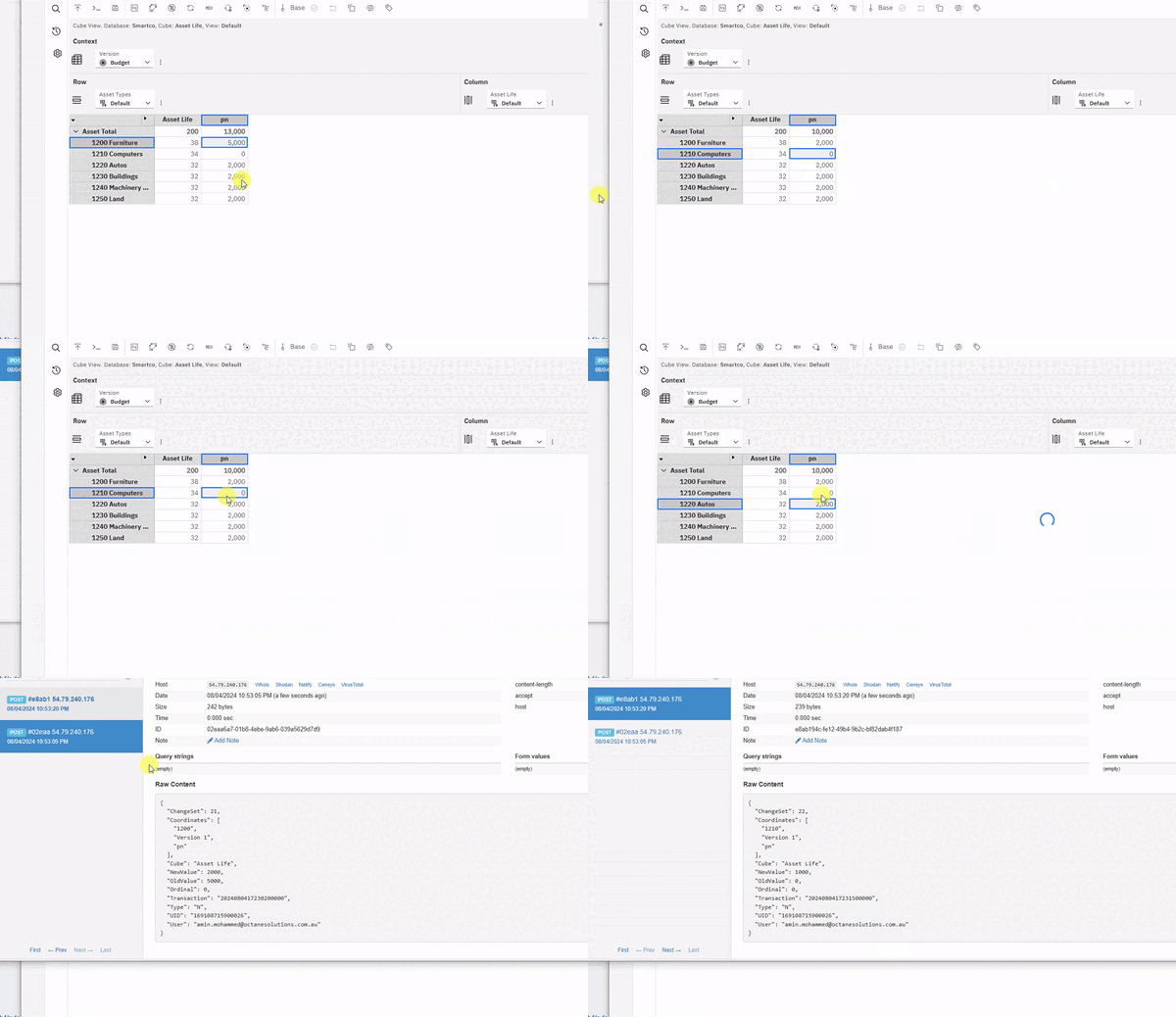
Workspace now allows you to upload files to the Planning Analytics database. This can be done manually using the File Manager, which is found in the Workbench, or through a TI process. IBM has come up with a new property within the action button that enables you to upload the file when running the TI process. Once the file is uploaded, it can be used in the TI process to load data into TM1. This way, users do not have to save the file in a shared location and can simply upload it from their local desktop and load the data. This is a handy new functionality that IBM has added. Bear in mind that the file cannot be run until it has been successfully uploaded, so if the file is large, it may take time.
12. Custom themes
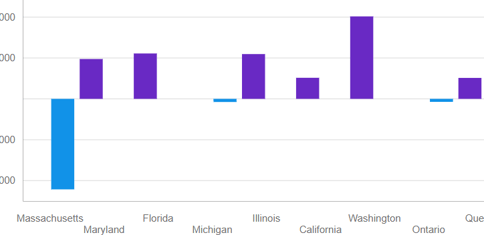
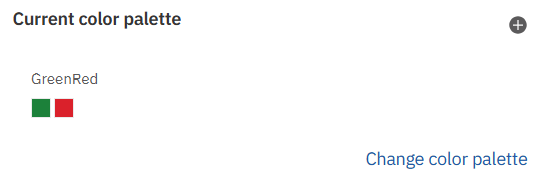
Finally, improvements in custom themes. Having the ability to create your own custom themes is incredibly helpful in order to align the coloring of your reports to match your corporate design. This removes the limitation of only being able to use pre-built colors and themes, and instead allows you to customize it to your specific requirements. This gives you the direct functionality needed to make it feel like your own website when any user opens it.
That's all I have for now. I hope you found these capabilities insightful and worth exploring further.
If you want to see the full details of this blogpost. Click here
Amin Mohammad, the IBM Planning Analytics Practice Lead at Octane Solutions, is taking you through his top 12 capabilities of Planning Analytics, in 2023. These are his personal favorites and there could be more than what he is covering. He has decided to divide his list into PAFe and PAW, as they have their own unique capabilities, and to highlight them separately. Planning Analytics for Excel (PAfE) 1. Support for alternate hierarchies in TM1 Web and PAfE Starting with TM1 Set function, which has finally opened the option to use alternate hierarchies in TM1 web. it contains nine arguments ...


.webp) 0
0
.webp) 17 March 2026, 9:29:00 am AEDT
17 March 2026, 9:29:00 am AEDT
.webp) 3 min
3 min
.webp)
-1.png?width=457&height=90&name=image%20(2)-1.png)

.gif?width=559&height=320&name=TM1%20newsletter%20(1).gif)
.gif?width=600&height=243&name=ezgif.com-video-to-gif%20(3).gif)
.gif?width=300&height=317&name=ezgif.com-optimize%20(2).gif)
.gif?width=300&height=317&name=ezgif.com-optimize%20(3).gif)
.gif?width=300&height=317&name=ezgif.com-optimize%20(4).gif)
.gif?width=300&height=317&name=ezgif.com-optimize%20(5).gif)
.gif?width=300&height=317&name=ezgif.com-optimize%20(6).gif)
.gif?width=300&height=258&name=ezgif.com-optimize%20(7).gif)


.gif?width=600&height=265&name=ezgif.com-optimize%20(1).gif)