 0
0
 2 March 2020, 2:00:36 pm AEDT
 3 min
3 min

 0
2 March 2020, 2:00:36 pm AEDT
3 min
0
2 March 2020, 2:00:36 pm AEDT
3 min

This blog explains a few TM1 tasks which can be automated using AutoHotKey. For those who don't already know, AutoHotKey is open-source scripting language used for automation.
This blog explains a few TM1 tasks which can be automated using AutoHotKey. For those who don't already know, AutoHotKey is open-source scripting language used for automation.
1. Run TM1 Process history from TM1 Serverlog :
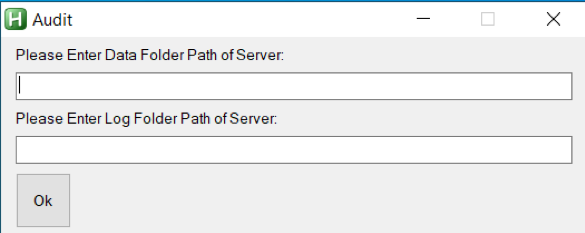
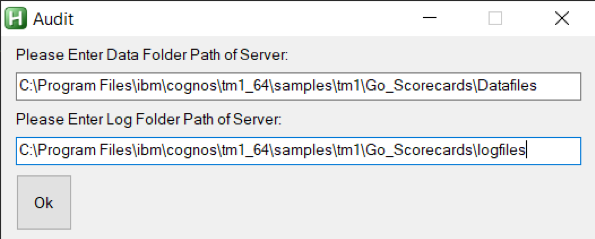
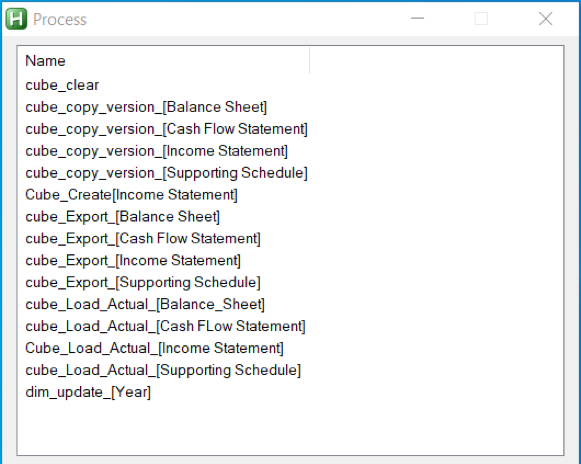
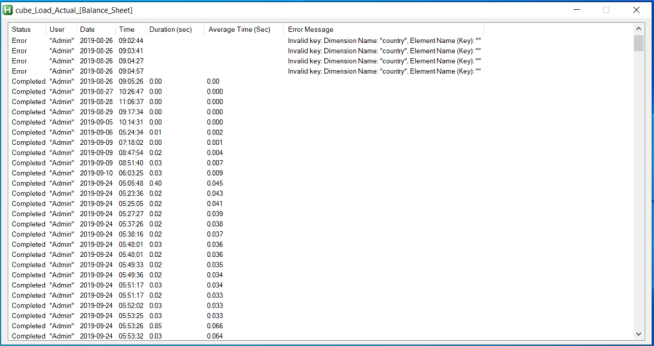
With the help of AutoHotKey, we can read each line of a text file by using loop function and content is stored automatically in an in-built variable of function. We can also read filenames inside a folder using same function and again filenames will be stored in an in-built variable. Therefore, by making use of this we can extract Tm1 process information from Tm1 Serverlog and display the extracted information in a GUI. Let’s go through the output of an AutoHotKey script which gives details of process run.1.
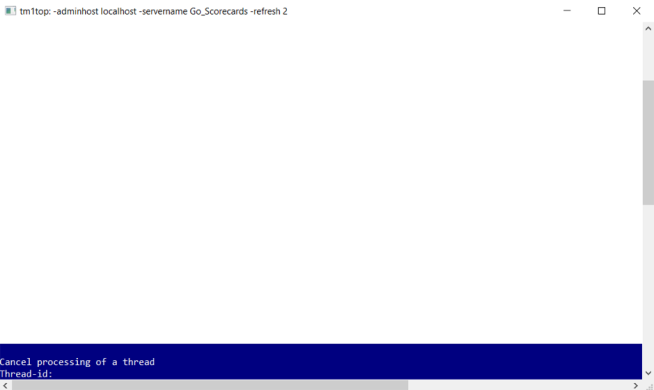
2. Opening TM1Top after updating tm1top.ini file and killing a process thread
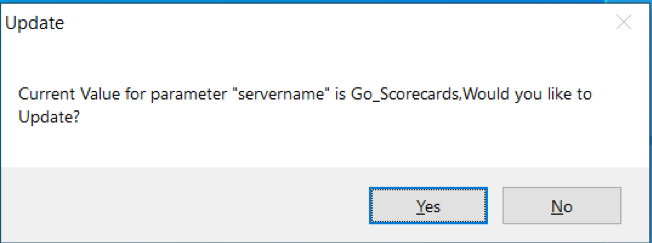
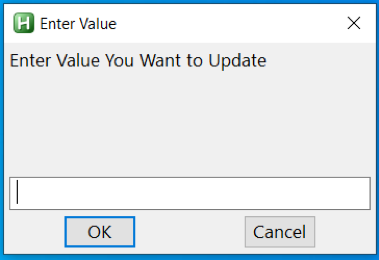
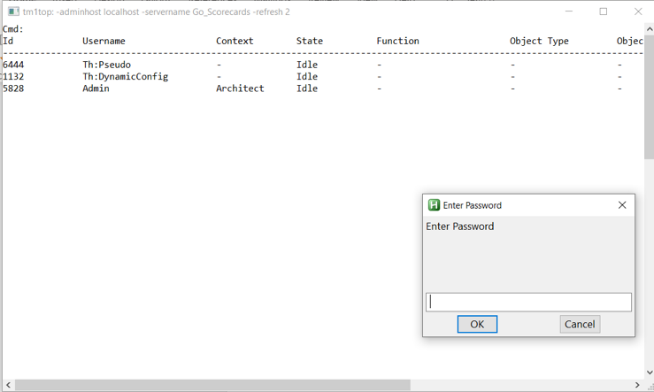
With the help of same loop function which we had used earlier, we can read tm1top.ini file and update it using fileappend function in AutoHotKey. Let’s again go through the output of an AutoHotKey script which will open Tm1top.

Rajan is an Experienced Software Engineer with 4+ years of experience working on IBM Cognos TM1. He is also a former TM1 consultant in Octane for 2 years and 1 month
 print
print


Leave a comment